
Why AI Needs Parallel Computing (CPU vs. GPU)
Artificial intelligence relies on enormous numbers of numerical operations, including matrix multiplication, tensor transformations, normalization, and attention calculations. These workloads benefit from executing many similar operations in parallel.
CPUs are designed for flexible, low-latency general-purpose computing. GPUs dedicate much more hardware to high-throughput parallel computation, making them particularly effective for many deep-learning workloads.
- •CPU: A relatively small number of sophisticated cores optimized for general-purpose work.
- •GPU: Large amounts of parallel compute hardware optimized for throughput.
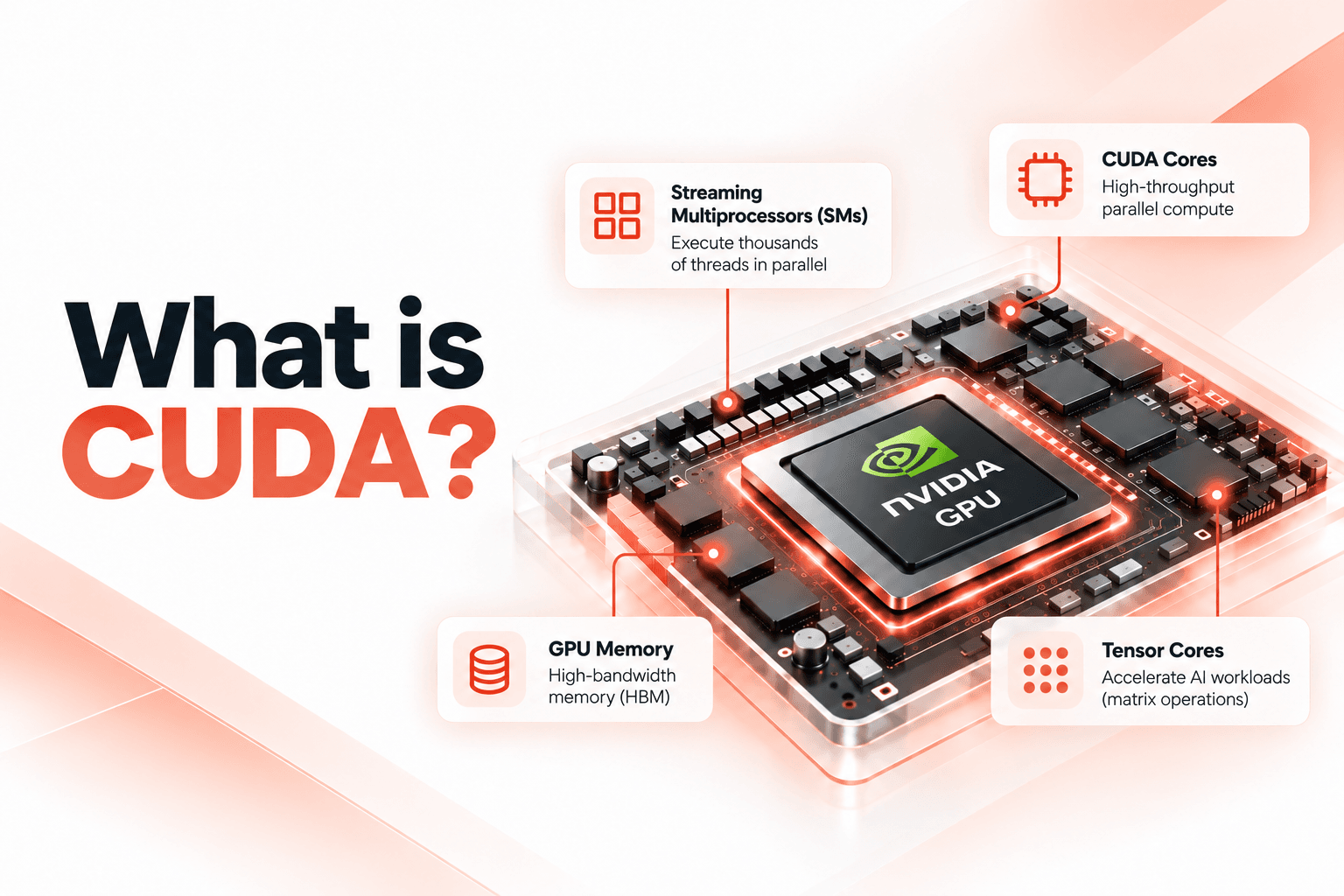
Modern NVIDIA GPUs organize their resources around Streaming Multiprocessors (SMs) and different execution and memory units. CUDA lets developers express parallel work without manually scheduling every physical execution unit.
What Is CUDA? The Bridge Between Software and GPU Hardware
CUDA is NVIDIA's platform and programming model for general-purpose computing on NVIDIA GPUs. It includes programming abstractions, runtime and driver interfaces, compilers, optimized libraries, profiling tools, and debugging tools.
A simplified CUDA software stack looks like this:
- •AI application
- •PyTorch, JAX, TensorFlow, vLLM, or TensorRT-LLM
- •CUDA libraries and kernels
- •CUDA runtime and driver APIs
- •NVIDIA GPU driver
- •NVIDIA GPU hardware
CUDA distinguishes between the host (CPU and system memory) and the device (GPU and its accessible memory). The host prepares data and launches work; the GPU executes supported operations in parallel. Modern applications can also use asynchronous execution, streams, overlapping data transfers, and Unified Memory.
A CUDA kernel is a function that executes on the GPU across many threads. For example, a vector addition kernel can calculate C[i] = A[i] + B[i] for many elements in parallel.
add<<<gridSize, blockSize>>>(A, B, C);CUDA organizes threads into blocks, and blocks into a grid. This hierarchy allows developers to describe large amounts of parallel work without hard-coding the physical layout of a specific GPU generation.
Inside the GPU: Threads, Warps, and Memory
A CUDA thread is a software execution abstraction, not a physical GPU core. NVIDIA GPUs schedule thread blocks onto Streaming Multiprocessors, where hardware execution resources process groups of threads.
NVIDIA GPUs execute threads in groups of 32 called warps using a model known as SIMT (Single Instruction, Multiple Threads). When threads within the same warp follow different control-flow paths, warp divergence can reduce effective throughput.
GPU performance also depends on its memory hierarchy:
- •Registers: Private storage used by individual threads.
- •Shared memory: Fast memory accessible to threads within a block.
- •L1 and L2 caches: Cache layers that can reduce expensive memory access.
- •Global or device memory: Larger-capacity memory that generally costs more to access.
Memory access patterns matter. Coalesced memory access can improve effective bandwidth, while excessive register use, synchronization, divergence, or insufficient parallel work can limit performance. Maximum occupancy does not automatically mean maximum speed.
How CUDA Powers Real AI Systems
Deep-learning workloads involve large tensor computations. A simplified neural-network operation might be written as Y = XW + B. GPUs can calculate many output values in parallel.
Modern NVIDIA GPUs include Tensor Cores, specialized hardware designed for matrix operations used heavily in AI. Tensor Cores are different from CUDA cores. Performance also depends on GPU architecture, numerical precision, memory bandwidth, and workload shape.
In a framework such as PyTorch, model.to('cuda') moves supported tensors to a CUDA-capable device. Framework implementations then dispatch supported operations through GPU-aware kernels and optimized libraries such as cuBLAS and cuDNN.
Large language models repeatedly perform matrix and tensor operations across attention, projections, normalization, and transformer layers. Their inference performance depends on compute throughput, memory behavior, scheduling, kernel efficiency, and token-generation characteristics.
Model weights and inference state, including the KV cache, consume GPU memory. As context length and concurrent workloads increase, memory capacity and bandwidth can become important constraints. Quantization, efficient attention, batching, and memory management can help address them.
Inference engines such as vLLM and TensorRT-LLM operate above CUDA, handling tasks such as scheduling, batching, and memory management while relying on CUDA-enabled kernels and libraries underneath.
In real-time voice AI, CUDA can accelerate components of an automatic speech recognition (ASR), language-model, and text-to-speech (TTS) pipeline. However, end-to-end latency also includes network delay, audio buffering, queueing, generation time, and playback.
What Actually Drives GPU Performance (and When CUDA Doesn't Help)
GPU performance depends on several interacting factors: parallelism, efficient computation, efficient memory access, good scheduling, appropriate occupancy, low synchronization overhead, and efficient data movement.
A kernel may have excellent arithmetic throughput and still be limited by memory bandwidth. Likewise, synchronization overhead or too little parallel work can prevent an otherwise powerful GPU from being fully utilized.
CUDA and GPUs are not the best choice for every workload. Tiny tasks, strongly sequential workloads, irregular control flow, CPU-side bottlenecks, and operations dominated by data-transfer overhead may not benefit from GPU execution. For small tasks, launching and coordinating GPU work can cost more than the computation itself.
Why CUDA Became Foundational to AI
Deep learning and GPU computing are a natural match: neural networks generate enormous amounts of numerical work, GPUs are built for high-throughput parallel computation, and CUDA makes NVIDIA GPUs programmable for general-purpose workloads beyond graphics.
A large ecosystem of optimized libraries, machine-learning frameworks, inference engines, profiling tools, and specialized hardware support has grown around CUDA. Developers can train models or run LLM servers without writing CUDA kernels themselves because higher-level tools handle much of the underlying work.
CUDA did not invent artificial intelligence, neural networks, transformers, or large language models. Its importance comes from providing the software bridge that lets applications take advantage of NVIDIA's parallel computing hardware. Understanding this layer helps engineers reason about why AI workloads run fast, run slowly, or become bottlenecked.
Frequently Asked Questions
What is the difference between CUDA cores and Tensor Cores?
CUDA cores handle general-purpose parallel computation, while Tensor Cores are specialized hardware built for matrix operations used heavily in AI. They work together but are not the same thing.
Do I need to learn CUDA to use PyTorch?
No. PyTorch handles much of the CUDA interaction for you. Moving a model or tensor to a CUDA device allows supported operations to use GPU-aware implementations. Learning CUDA directly is most useful when developing custom kernels or investigating low-level performance.
What is a warp in CUDA?
A warp is a group of 32 threads executed together under the SIMT model. If threads within a warp follow different code paths, warp divergence can reduce performance.
Why does GPU memory matter for LLM inference?
Model weights and the KV cache both use GPU memory. As context length and concurrent requests grow, memory capacity and bandwidth can become limiting factors, making techniques such as quantization and efficient attention important.